
A GoHighLevel CRM structure that holds up is built around how the business operates, not around the workflow builder: one pipeline per sales process, a short list of fields and tags with a naming rule, calendars per appointment type, and workflows that each do one job and exit on a stage change. This article explains that structure, where GoHighLevel's own automation stops, and what to leave to people. It is the layout we use when we build or rebuild an account, written so you can check your own account against it. Before you decide you have outgrown GoHighLevel, check whether this structure fixes the problem.
The structure in six lines
- Sub-accounts follow real operational boundaries: a different business, location group or customer lifecycle.
- Pipelines each have one purpose, with entry and exit rules for every stage and one owner per opportunity.
- Fields and tags follow a written naming convention from the first lead.
- Workflows do one job each, are named by that job and always have an exit.
- Humans keep the moments that need judgment: high-value sales conversations, refunds, disputes.
- Documentation means someone else can run the account if the builder leaves.
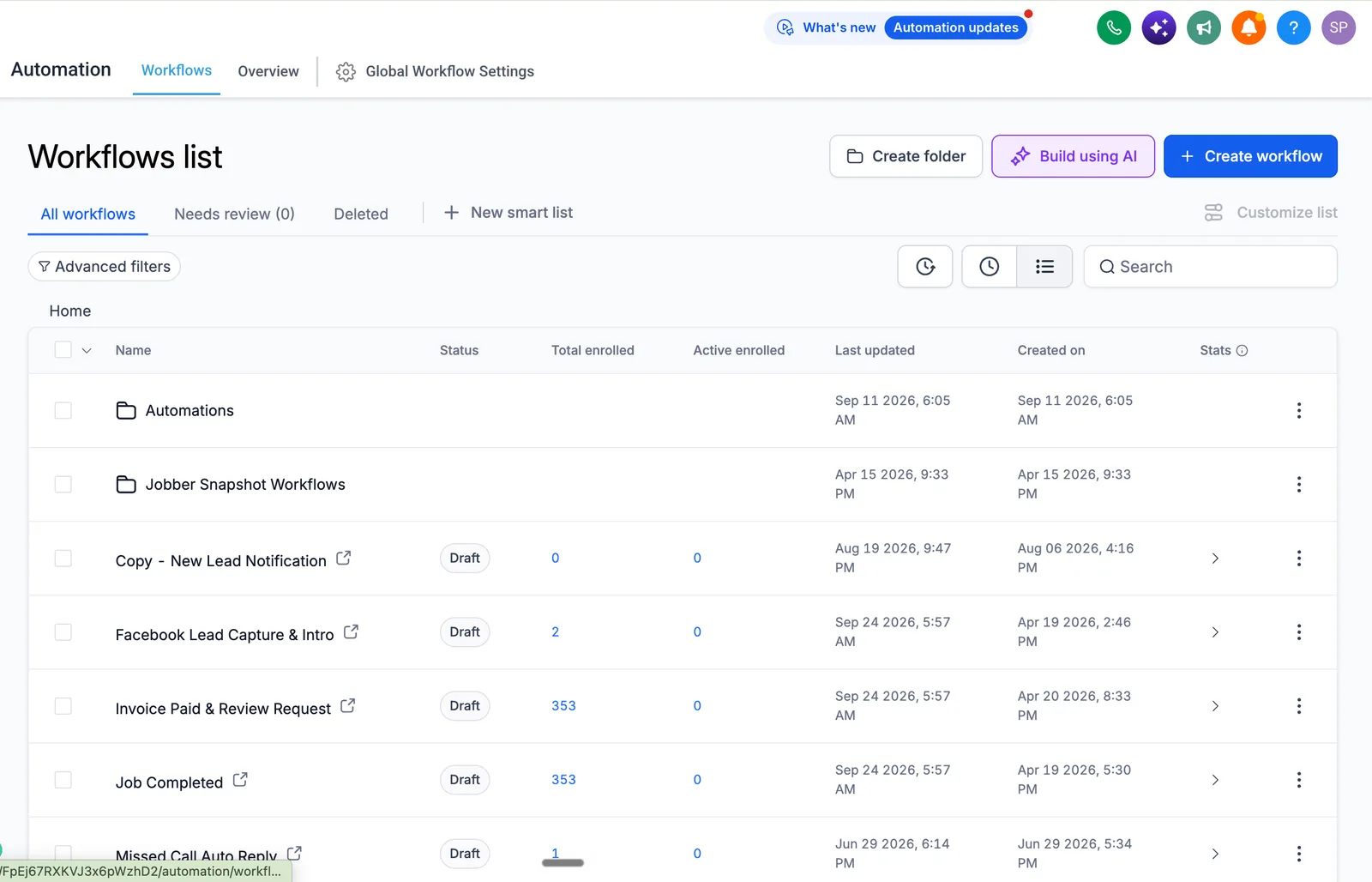
GoHighLevel CRM structure: what a whole-business view means
Most GoHighLevel accounts that struggle were built at the level of individual workflows, with no picture of how revenue moves through the business. Looking at the account as one connected system means you can answer four questions without opening anything:
- Where does a lead enter, and how is its source recorded?
- Who owns it at each stage, and what moves it forward?
- What happens automatically, and what needs a person?
- Where do deals stall, and how would you see it?
Three ideas shape everything below. Systems over tools: GoHighLevel is the platform the revenue system runs on, and other tools such as Zapier connect systems that should not share a database. Clarity over complexity: a five-step workflow the team understands beats a 40-step one only its author can debug. Reliability over volume: every automation should solve a named problem; if you cannot say why it exists in one sentence, you probably do not need it.
- PipelinesOne per sales process
- Fields and tagsA short, written rule
- CalendarsOne per appointment type
- WorkflowsExit on stage change
Principles we apply before building anything
- Revenue flow first, software secondWhere does money enter the business, what happens between first contact and a closed deal, and what happens after the sale? If you cannot draw it on a whiteboard, the CRM will not fix it.
- Customer lifecycle mappingHow someone moves from stranger to client to repeat buyer to referral source. Each stage needs a definition, an owner and exit criteria.
- OwnershipEvery contact, opportunity and automation has an owner, so a stalled deal or a broken workflow has a name next to it.
- Human decision pointsDecide where judgment is needed and keep automation out of it.
- MaintainabilityIf the person who built the account left tomorrow, could someone else take over? If not, it is a dependency rather than a system.
How we architect GoHighLevel as the core system
| Decision | Rule we use | Why |
|---|---|---|
| Sub-accounts | Create one only for a real operational boundary: different revenue model, lifecycle or team. Two units with the same sales process share one | Clean separation prevents cross-contamination and keeps reporting honest |
| Agency view | Use it to enforce structure and permissions, not only to list accounts | Roles set at the top apply to every location below |
| Naming | One convention for pipelines, workflows, fields and tags, written down before building | Six months in, nobody can find anything without it |
| Complexity | Prefer the simplest setup that works | If the team needs training to understand the CRM, it is too complex |
| Guidance | The CRM should show people what to do next | Tasks and stage rules replace memory |
For agencies, the agency page shows how sub-accounts, roles and white labelling fit together, and the setup guide gives the build order.
CRM and pipeline design for high-ticket businesses
The most common mistake is one pipeline asked to do everything. A sales pipeline tracks opportunities. An operational pipeline tracks onboarding, delivery or client success. Mixing them confuses both teams.
| Pipeline | Purpose |
|---|---|
| Lead qualification | Separates real opportunities from noise before sales spends time |
| Sales | Tracks qualified opportunities through to close |
| Onboarding | Hands a new client from sales to delivery |
| Delivery or client success | Tracks ongoing work and renewals |
| Offboarding | Handles exits and captures feedback |
Most businesses need two or three of these, not five. Each pipeline has a single purpose, each stage a clear entry and exit rule, and each opportunity one owner. HighLevel's own pipeline article gives the same direction: keep a pipeline to the stages that matter most.
Stages should describe a decision, not a mood. "Qualified" is vague. "Discovery call held, budget confirmed, decision-maker identified" is a stage anyone can check. Vague stages produce vague reports.
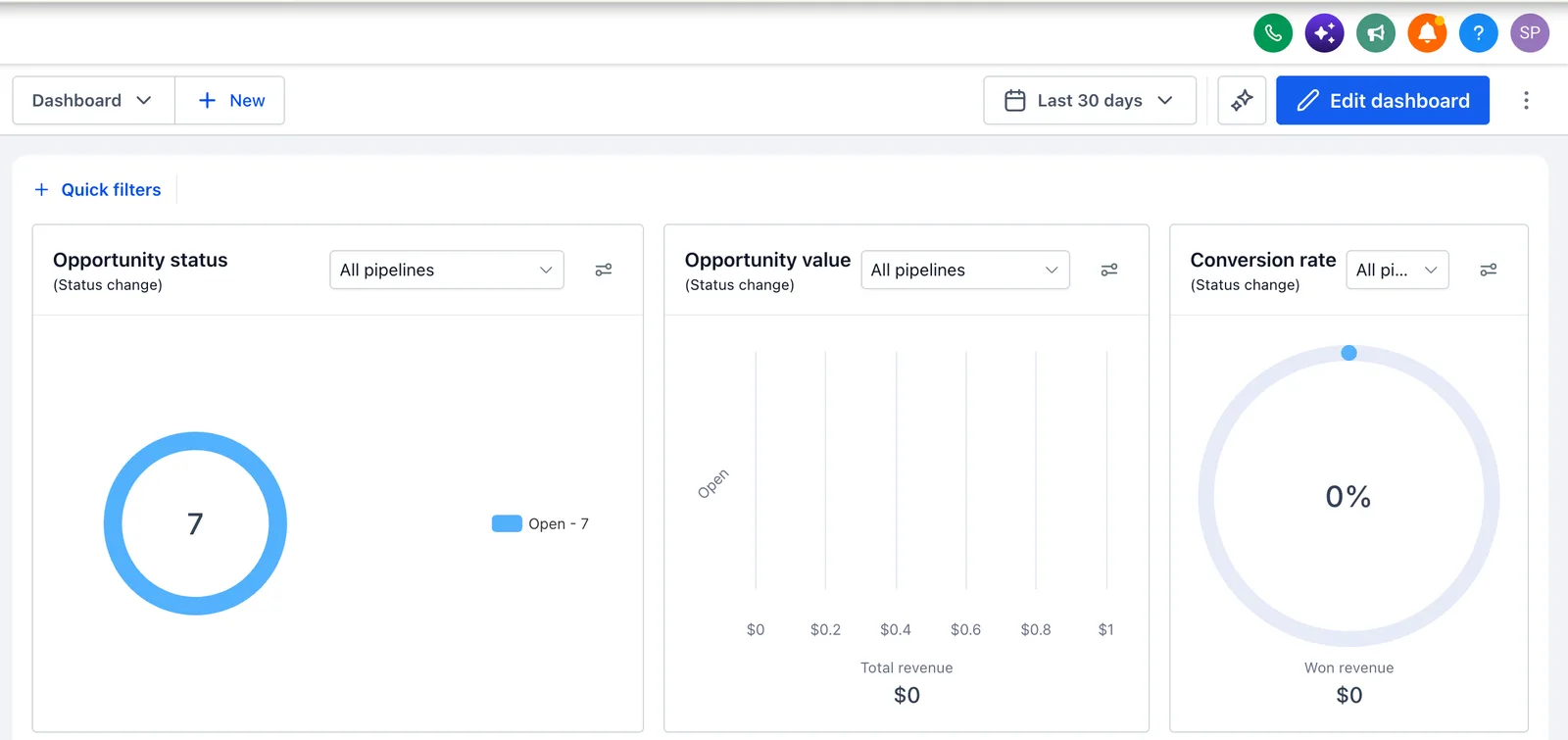
Visibility should answer owner questions. How many deals are stuck, where do opportunities die, which sources actually close, and which rep is converting? A dashboard of activity counts does not.
Automation strategy, done responsibly
- Event-based logic, not trigger overload. Build automations around meaningful events: an opportunity reaches proposal, a client finishes onboarding, a payment fails. Not every micro-action.
- Where GoHighLevel's automation stops. It handles internal operations well: moving deals, assigning tasks, notifications, appointments. It is weaker at heavy data transformation, multi-system orchestration and logic that depends on outside context.
- When Zapier or Make is justified. To connect accounting software, project tools or APIs where a native integration does not exist or is not robust enough.
- Where Airtable fits. As a relational data layer for client projects or resource scheduling, not as a CRM replacement.
- Fewer failure points. Every automation and every integration adds one. Ask what the simplest way to get the outcome is. Often it is fewer automations.
A useful test: if your automations need constant attention, they are jobs, not automations.
Settings that enforce the structure
A structure written in a document drifts unless the account enforces it. These are the settings we check first, with what HighLevel's own help articles say about each (read on October 25, 2026).
| Rule | Where to check it | What HighLevel documents |
|---|---|---|
| Workflows have an exit | Workflow, Settings tab: Allow Re-entry, Stop on Response, Time Window | A contact cannot re-enter a workflow while still active in it. Stop on Response removes a contact when they reply to a message sent by that workflow. A Time Window holds email, SMS and call actions until the next allowed slot. (Workflow settings overview, modified October 14, 2026) |
| One deal, one run | Workflow, Settings tab: Allow multiple Opportunities | For opportunity triggers, switched on, a contact runs the workflow separately for each qualifying deal; switched off, only the first qualifying opportunity enters. It is on by default for new workflows and off for older ones, so an old workflow can behave differently from a fresh copy of it. |
| Won and Lost are outcomes, not stages | Opportunities, Pipelines | They are opportunity statuses. The Funnel widget needs stages enabled for Funnel reporting and arranged in progression order. (Funnel and Stage Distribution widgets, modified September 19, 2026) |
| One owner per opportunity | Opportunity Settings and the Add Owner to Opportunity action | The action sets the selected user as owner, and if contact and opportunity owners are synced in Opportunity Settings the contact's owner changes too. Its "Only Apply to Unassigned Opportunities" option keeps an existing owner. (Add Owner to Opportunity) |
| Fields before tags | Settings, Custom Fields, Folders | Fields come in types such as text, number, monetary, dropdown, checkbox and date, and sit in folders. HighLevel advises searching the existing list first to avoid duplicates, and a field's object cannot be switched after creation. (Custom fields, modified September 1, 2026) |
| Tags follow a naming rule | The tag manager | Renaming or deleting a tag can affect workflows, Smart Lists and integrations, so HighLevel recommends reviewing those first and agreeing capitalization and naming before reorganizing a large tag library. Tag categories and colors are a Labs feature and do not create new triggers. (Tags, categories and colors, modified September 21, 2026) |
The first row is where a nurture sequence that keeps messaging a booked lead is fixed; the audit table further down lists it as "workflows with no exit".
What we intentionally do not automate
| Moment | Why it stays human |
|---|---|
| High-trust sales conversations | A first call with a large prospect or a client thinking of cancelling needs judgment and empathy |
| Strategic decisions | Whether to take a client, change pricing or pause a campaign are business questions, not workflow conditions |
| Rare, high-stakes exceptions | Refunds, disputes and special requests are fragile to automate and costly to get wrong |
The aim is for the system to support the team, not to stand in for it. Restraint also makes the automations you do build easier to trust.
Common system mistakes we fix
| Mistake | What it looks like | The fix |
|---|---|---|
| Automation spaghetti | Workflows that trigger workflows, with nobody able to explain the full chain | Split into single-job workflows with exits; map triggers on one page |
| Too many third-party tools | Zapier doing what GoHighLevel does natively, or Airtable duplicating CRM data | Remove tools that add a failure point and a monthly cost without a reason |
| No documentation or ownership | Workflows nobody dares to touch because the builder left | An account map and recorded walkthroughs; a named owner per workflow |
| No scaling or handoff plan | A setup designed for one user and one team that breaks when you add a second | Design for multiple users, teams and sub-accounts from the start |
Fixing these usually costs more than building correctly the first time, which is why the structure comes before the workflows.
Who this approach is built for
| A good fit | A poor fit |
|---|---|
| A business where each deal or client matters | Someone who wants a cheap snapshot or template installed |
| A team that is scaling and cannot afford a system that breaks under load | Someone who wants it built with no input on structure |
| Owners who have been left with an undocumented account | Anyone who believes more automations automatically mean better results |
| Teams who want reliability and accountability | Anyone unwilling to settle the design before building |
How HighLevel Automation Team works
HighLevel Automation Team works on GoHighLevel only. An engagement starts with discovery, then a written architecture that you approve, then the build, testing with the execution log open, training and handover documentation. The process page shows each stage and what you receive. You own the account, the architecture and the documentation, not only the build.
The real cost of bad architecture
- Revenue leakage: deals falling through the gaps between stages that do not match reality.
- Team inefficiency: hours spent managing the system instead of selling.
- Hiring friction: new people take weeks to learn an undocumented account.
- Fragility: one change breaks something nobody knew was connected.
The structural mistakes we see most in an account audit
Across the accounts we have reviewed, the same handful of structural problems repeat regardless of industry:
| Mistake | What it looks like | Fix |
|---|---|---|
| One pipeline doing two jobs | New leads and existing-client renewals share stages that mean different things to each | Split into two pipelines, each with its own stage definitions and exit rules |
| Tags used as fields | Dozens of one-off tags ("called-3x", "maybe-interested") instead of a custom field with a real value | Replace with a small field set; keep tags for genuine binary flags |
| Workflows with no exit | A nurture sequence keeps messaging someone who already booked or already said no | Add an exit condition on every workflow before it is published, tested with a contact who should exit, and check Stop on Response and Allow Re-entry in the workflow's Settings tab |
| No owner on the account itself | Several people can edit workflows and nobody can say what changed or when | One documented owner, a change log, and the CRM implementation pattern applied consistently |
None of these need a rebuild on their own. An audit finds which ones apply to a specific account before deciding whether to fix in place or restructure.
Next steps
If you are checking whether your current setup will scale, or starting fresh and want to avoid these mistakes, book a strategy call or start with a GoHighLevel audit. We will review your business model, current account and growth plans and tell you honestly whether it needs a fix, a rebuild or nothing.
Related: pipeline setup, custom fields and tags, lead routing and calendar setup.
Sources and further reading
Checked October 25, 2026; settings and article dates change. The structure and rules on this page are our practice. Statements about what HighLevel does come from these help articles:
- HighLevel: Workflow settings overview (modified October 14, 2026): Allow Re-entry, Allow multiple Opportunities, Stop on Response, Time Window
- HighLevel: How Funnel and Stage Distribution widgets work (modified September 19, 2026): Won and Lost as statuses, funnel reporting rules
- HighLevel: Workflow action, Add Owner to Opportunity: owner assignment and the unassigned-only option
- HighLevel: Creating and managing custom fields (modified September 1, 2026): field types, folders, duplicates
- HighLevel: Organize and personalize tags with categories and colors (modified September 21, 2026): tag dependencies and naming advice
- HighLevel: Understanding pipelines (modified February 3, 2026): stages as steps in a journey, and keeping to the stages that matter most
Frequently asked questions about GoHighLevel CRM structure
How is this different from hiring a GoHighLevel expert on Upwork or Fiverr?
A freelancer usually builds what you ask for. A structured engagement also decides what you need before building, documents the account and tests it. If you know exactly what you want and need skilled execution, a freelancer can be right; for a whole-system build, a scoped team engagement is safer.
Do you work with businesses just starting with GoHighLevel, or only those fixing existing setups?
We work with both businesses just starting with GoHighLevel and those fixing an existing setup. Starting fresh is simpler because there is no technical debt. Fixing an existing setup starts with an audit to see what is worth keeping, and it takes longer because of the dependencies already in the account.
How long does it take to build or restructure a GoHighLevel system properly?
A scoped single-location build usually takes three to five weeks. Multi-location, migration or SaaS builds take longer, often six to ten weeks or more. The time goes mostly into discovery, approvals, testing and training, not clicking.
What happens if the person who built our system leaves your team?
You keep the architecture, the documentation and the logic. Every pipeline, workflow and integration is documented in business terms, recorded walkthroughs are provided and the patterns are standard, so another competent GoHighLevel professional can maintain it.
How much does this cost?
We quote in writing after a call because scope varies: a single service with one sales process is different from a multi-brand agency. The pricing page lists the bands for implementation, migration, SaaS and support, and the pricing guide explains the platform costs.
Do we need Zapier, Make and Airtable, or can everything be done in GoHighLevel?
Many businesses can run most of their operations inside GoHighLevel. Zapier or Make help connect accounting, project tools and APIs. Airtable helps when you need relational data that does not belong in a CRM. We add a tool only when the requirement justifies the extra failure point.
Can you work with the GoHighLevel setup we already have?
Usually we can work with the GoHighLevel setup you already have, after an audit. We keep pipelines that match your process, clean data and fields, workflows that solve clear problems and useful integrations, and rebuild the tangled or undocumented parts. Sometimes the cheapest route is a fresh sub-account with selective migration, and we say so.