GoHighLevel A2P 10DLC Registration Failed or Rejected — How to Fix It
Most A2P 10DLC rejections inside GoHighLevel are fixable in minutes, not days, once you know which specific field the carriers flagged. The exception is content that falls into a permanently disqualified category, which cannot be resubmitted no matter how you rewrite it. This guide breaks down every rejection reason reported in GoHighLevel’s own support documentation, shows you exactly what carriers want to see instead, and tells you upfront which rejections are worth fixing and which ones are a dead end.
Quick Verdict: Open the rejected campaign in your GHL dashboard, click “View required fixes,” and check the reason against the categories below. If it’s an opt-in, website, business identity, or use-case issue, correct the field and resubmit at no charge. If the rejection points to SHAFT content or a disallowed category like cannabis, gambling, crypto, MLM, or payday loans, resubmission will not work, and you need a different messaging strategy entirely.
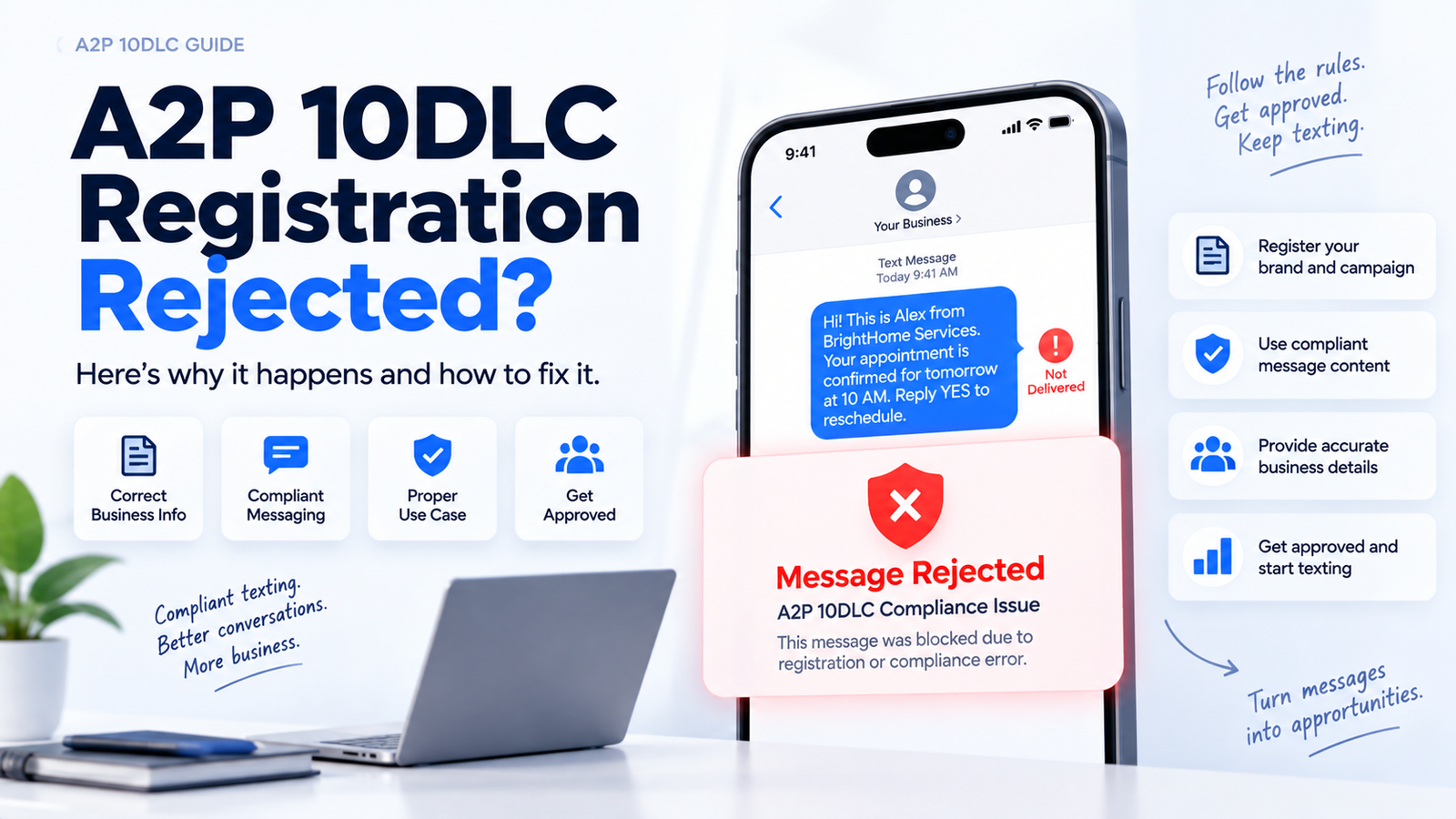
Why A2P 10DLC Rejections Look Different Now
If your rejection notice looks more specific than the ones colleagues showed you a year ago, that’s not a coincidence. According to industry analysis of 2026 carrier policy changes, The Campaign Registry (TCR) and carriers have moved away from broad, catch-all rejection codes and replaced them with granular error codes that point to the exact compliance gap in your submission. (Treat the exact rollout date and legacy code numbers as reported by third-party analysts rather than an official TCR announcement — TCR has not published its own press release confirming the specifics.) Instead of a vague “campaign rejected” message, you now get language that tells you whether the problem is your opt-in flow, your website, your business identity documentation, or your use-case description.
This matters practically because it removes most of the guesswork from fixing a rejection. Before this shift, agencies and business owners often resubmitted campaigns with cosmetic changes and hoped for the best. Now, the rejection reason itself usually tells you which specific field to correct.
TCR has managed A2P 10DLC brand and campaign registration since 2020, operating under appointment from the major mobile network operators, including Verizon, AT&T, and T-Mobile. Carriers rely on TCR’s vetting process to decide which businesses are allowed to send application-to-person text messages at scale over standard 10-digit long codes. When a campaign gets rejected, it’s the carriers, acting through TCR, declining to trust that your messaging program meets consumer protection standards.
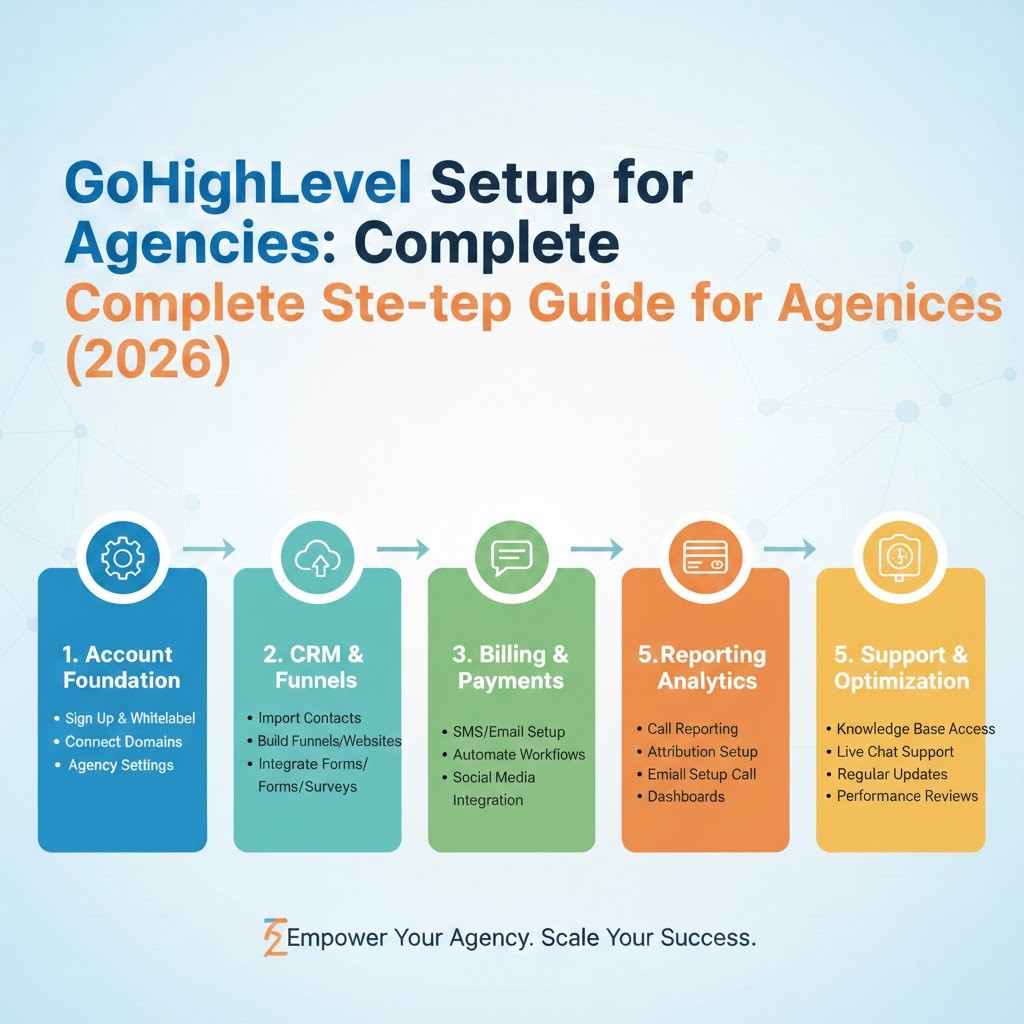
If SMS is part of a broader automation build, see how A2P compliance fits into a full setup in our GoHighLevel for digital agencies guide.
Resubmission-Eligible vs. Permanently Blocked: The Distinction Most Guides Skip
Before you spend time editing anything, figure out which bucket your rejection falls into. This single distinction determines whether your next step is a five-minute edit or a complete rethink of your messaging program.
Resubmission-eligible rejections stem from correctable gaps: your opt-in process wasn’t clear, your website didn’t give reviewers enough context, your business identity documents didn’t match, or your use-case description was too vague. Every one of these can be fixed and resubmitted through the GHL dashboard, and there is no charge for resubmitting a rejected A2P campaign, per HighLevel’s own support documentation.
Permanently blocked content falls into what the industry calls SHAFT (sex, hate, alcohol, firearms, tobacco) or other disallowed categories such as cannabis, gambling, cryptocurrency, debt collection, and multi-level marketing. If your rejection cites one of these categories, resubmitting the same use case will not succeed. No amount of rewording changes the underlying content classification.
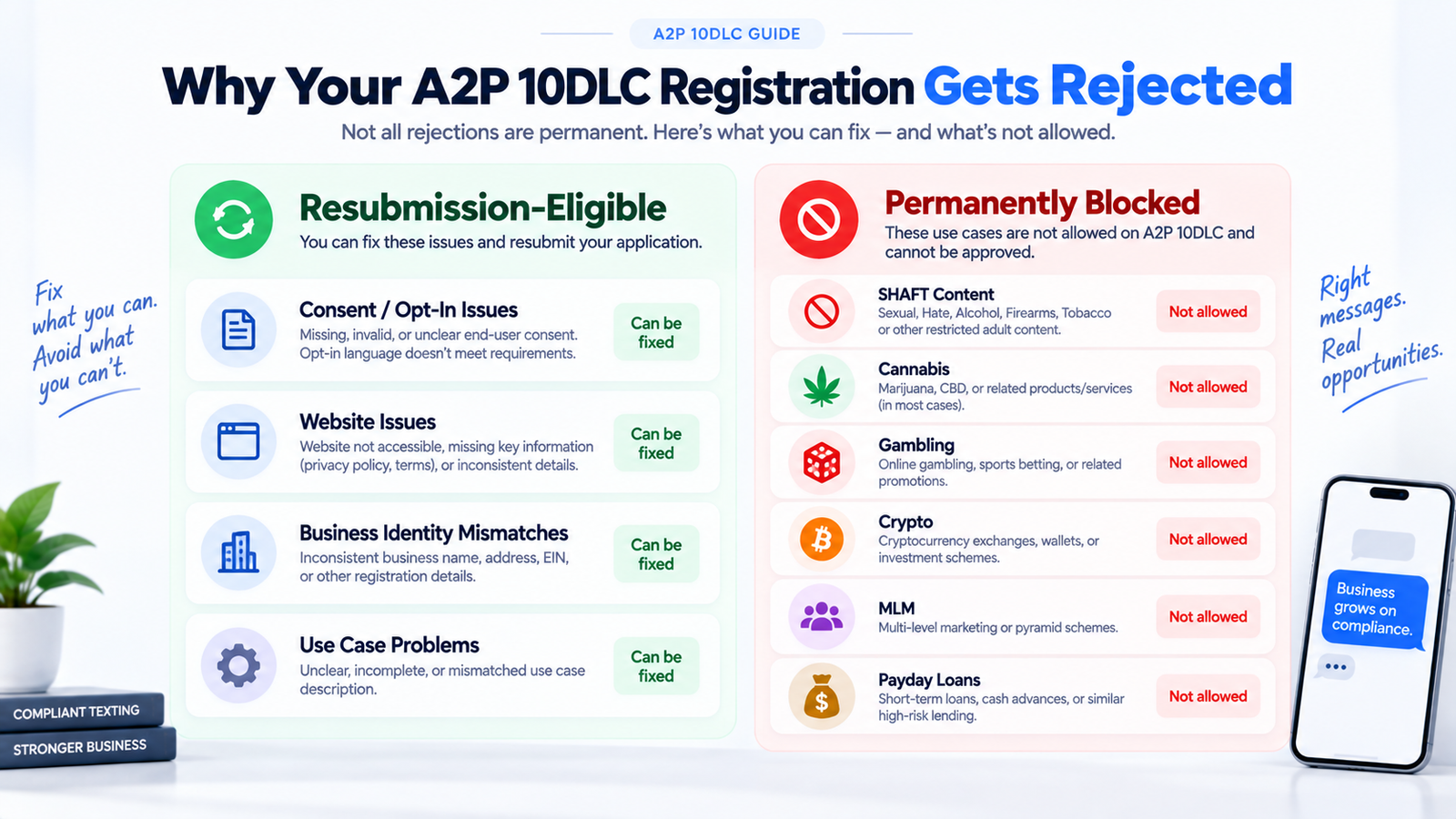
| Rejection Tier | Examples | Can You Resubmit? |
|---|---|---|
| Opt-in/consent issues | Unverifiable CTA flow, pre-checked opt-in box, no way to decline messaging | Yes, fix and resubmit for free |
| Website issues | Thin business info, form-only landing page, login-gated URL | Yes, fix and resubmit for free |
| Business identity mismatches | EIN doesn’t match legal name, personal email domain used | Yes, fix and resubmit for free |
| Campaign use-case problems | Vague description, copy-pasted sample messages, missing opt-out language | Yes, fix and resubmit for free |
| SHAFT content | Sex, hate, alcohol, firearms, tobacco | No, permanently disqualified |
| Other disallowed categories | Cannabis, gambling, crypto, payday loans, debt collection, MLM | No, permanently disqualified |
Opt-In and Consent Rejections: What Carriers Actually Want to See
Opt-in problems are the most common resubmission-eligible rejection, and they come down to one question: can a reviewer verify, from the materials you submitted, exactly how a consumer agrees to receive texts from you?
Carriers reject campaigns when the call-to-action flow can’t be verified. This happens when your registration references an opt-in mechanism, such as a website form or a keyword text-in, but the reviewer can’t actually trace that mechanism to confirm it exists and works as described. If you tell TCR that consumers opt in via a checkout form, that form needs to be live, visible, and clearly tied to SMS consent.
Marketing and transactional consent also need to be separated. If a single checkbox or a single line of text tries to cover both “you’ll get order updates” and “you’ll get promotional offers,” reviewers will flag it. Each consent type needs its own clear, unambiguous language.
Pre-checked opt-in boxes are an automatic rejection trigger. Consent has to be an affirmative action the consumer takes, not a default state they have to notice and undo. Similarly, if there’s no visible way for a consumer to decline messaging, either during opt-in or afterward, the campaign will fail review.
What to fix: Make sure your opt-in form is publicly accessible, separates marketing from transactional consent with distinct language, uses an unchecked box by default, and gives consumers a clear opt-out path (such as replying STOP).
Once your opt-in flow is clean, double-check that your email authentication (SPF/DKIM/DMARC) is also in order — carriers and mailbox providers are both scrutinizing sender legitimacy right now.
Website Issues: The Silent Rejection Cause
Reviewers evaluate your business website as part of the vetting process, and a surprising number of rejections trace back to a page that simply doesn’t give them enough to work with.
Insufficient business information is the most frequent version of this problem. If your site doesn’t clearly state what your business does, where it’s located, and how customers can contact you, reviewers can’t confirm you’re a legitimate operating business.
A landing page that only contains a lead-capture form, with no surrounding business context, creates the same problem. Reviewers need to see an actual business presence, not just a conversion funnel.
Login-gated pages or broken URLs are an automatic rejection. If the URL you submit requires a password, redirects incorrectly, or simply doesn’t load, the reviewer has nothing to evaluate.
What to fix: Submit a URL that’s publicly accessible without login, includes real business information (services, location, contact details), and, if you’re using a landing page, links out to or includes broader business context rather than standing alone as a form.
Business Identity Mismatches
Carriers cross-reference the legal and tax information you submit during brand registration. When the pieces don’t line up, the campaign gets rejected even if your messaging content is fine.
The most common version is an EIN or Tax ID that doesn’t match the legal business name on file. This often happens when a business recently changed its name, uses a holding company structure, or simply made a typo during registration.
Sole proprietors and businesses operating under a DBA (doing business as) name run into similar mismatches. If your registered legal name is your personal name but you’re texting under a brand name, that relationship needs to be documented clearly, not assumed.
Using a personal email domain (Gmail, Yahoo, Outlook) instead of a business domain during registration is another common flag. It signals to reviewers that the entity may not be an established, verifiable business.
What to fix: Confirm your EIN and legal business name match exactly what’s on file with the IRS, document any DBA relationship clearly during registration, and use a business email address tied to your company’s domain.
Campaign Use-Case Problems
Even when your business is legitimate and your consent flow is airtight, a poorly written use-case description can still sink a submission. Reviewers need specific, concrete language, not marketing-speak.
Vague or generic descriptions like “notifications” or “updates” don’t tell reviewers what consumers will actually receive. A description needs to state the specific purpose: appointment reminders, order status updates, two-factor authentication codes, or similar concrete use cases.
Identical, copy-pasted sample messages are another red flag. If your submitted sample text reads like a template pulled from a forum post rather than a message your business would actually send, reviewers treat it as evidence the registration wasn’t done carefully.
Missing embedded opt-out and HELP instructions in your sample messages will also trigger rejection. Every sample message should demonstrate the consumer’s ability to reply STOP to opt out and HELP for support.
What to fix: Write a specific, business-accurate use-case description, submit sample messages that reflect what you’ll actually send, and include opt-out/HELP language in at least one sample.
How to Fix a Rejected Campaign in GoHighLevel
Once you know which category your rejection falls into, the correction process inside GHL is straightforward.
- Log into your GHL dashboard and navigate to the rejected campaign under your A2P 10DLC settings.
- Click “View required fixes” to see the specific field or reason the campaign was flagged.
- Correct the identified field: update your opt-in language, fix your website URL, correct your business identity information, or rewrite your use-case description and sample messages.
- Resubmit the campaign. There is no charge for resubmission, per HighLevel’s own support documentation, and you do not need to start the registration process over from scratch.
For edge cases where the dashboard’s fix flow doesn’t resolve the issue, or where you believe a rejection was applied incorrectly, contact GHL support directly. Use the subject line “10DLC Campaign Appeal for [business name/phone number]” and include your campaign ID and the specific rejection reason in the body of your message. Providing this detail upfront tends to speed up the review.
Still stuck? Contact us and we’ll review the specific rejection reason with you.
Frequently Asked Questions
How long does it take to fix a rejected A2P 10DLC campaign?
The correction itself, updating an opt-in checkbox, fixing a website URL, or rewriting a use-case description, usually takes a few minutes once you’ve identified the specific rejection reason. Carrier review time for the resubmission varies and is outside your control, but the resubmission process itself does not require restarting registration.
Does resubmitting a rejected A2P campaign cost anything?
No. According to HighLevel’s own support documentation, resubmitting an eligible rejected campaign does not incur an additional charge.
Can I resubmit a campaign rejected for SHAFT content?
No. SHAFT content (sex, hate, alcohol, firearms, tobacco) and other disallowed categories such as cannabis, gambling, cryptocurrency, payday loans, debt collection, and MLM are permanently disqualified. Rewriting the campaign description will not change the outcome because the underlying business category itself is what’s blocked.
Why was my campaign rejected even though my message content seems fine?
Rejections often stem from factors outside the message text itself, most commonly opt-in verification issues, website accessibility problems, or business identity mismatches like an EIN that doesn’t match your registered legal name. Check the specific rejection reason in your GHL dashboard before assuming the message copy is the problem.
What are the new granular A2P rejection codes about?
Industry analysts report that TCR and carriers have moved toward more specific error codes that identify the exact compliance issue, such as an unverifiable opt-in flow or a mismatched business identity, rather than a general rejection notice. Treat the exact rollout date as third-party reporting rather than an official TCR announcement.
My website looks fine to me. Why was it flagged?
Reviewers check for specific elements: publicly accessible pages (no login walls), clear business information (what you do, where you’re located, contact details), and enough context beyond a bare lead form. A page that looks fine visually can still lack the business substance reviewers are trained to verify.
Can a sole proprietor or DBA register for A2P 10DLC?
Yes, but the relationship between your legal name, your EIN or Tax ID, and any DBA/brand name needs to be documented clearly during registration. Mismatches between these fields are a common rejection cause for sole proprietors and small businesses operating under a trade name.
What should I do if the dashboard fix doesn’t resolve my rejection?
Contact GHL support directly with the subject line “10DLC Campaign Appeal for [business name/phone number],” and include your campaign ID and the specific rejection reason in your message. This gives the support team the detail they need to investigate edge cases that the standard fix flow doesn’t cover.
Get Your A2P 10DLC Campaign Approved
If your GoHighLevel A2P 10DLC campaign keeps getting rejected and you’re not sure why, we can review your registration, identify the specific compliance gap, and get your SMS campaigns approved and sending. Contact us for help with your A2P 10DLC registration.
About the Author
Yash Patel is the founder of HighLevel Automation Team (HAT), a specialized GoHighLevel agency that has helped 450+ businesses implement and optimize their CRM systems, including SMS and A2P 10DLC compliance setups, across 25+ industries.
Connect with Yash Patel on LinkedIn.