
Automation Setup Services for Scalable Sales & Operations
Most automation projects fail because they're built without proper architecture, testing, or long-term scalability in mind.
We design and implement advanced automation systems that streamline sales operations, eliminate manual work, and ensure reliable data flow across your business.
What We Mean by Automation Setup
Automation is not about connecting random tools.
It's about building structured workflows that handle real business scenarios—lead capture, routing, follow-ups, updates, reporting, and exception handling—without breaking.
Our automation setup services focus on reliability, accuracy, and long-term system performance. We don't build fragile integrations that stop working the moment an API changes or a field name updates. We build systems designed to operate under real-world conditions with proper error handling and monitoring in place.
Sales & Revenue Automation Workflows
The majority of our workflow automation services are focused on revenue operations—the systems that determine whether leads are captured, followed up on, and converted.
Here's what we implement:
- Lead capture and CRM synchronization — every form submission, call, or inbound lead is logged immediately into your CRM with complete field mapping and data validation
- Lead routing and assignment — intelligent distribution of leads to the right sales rep based on territory, availability, deal size, or custom business rules
- Sales stage automation — automatic progression through pipeline stages based on actions taken, triggering next-step tasks and notifications
- Task creation and reminders — follow-up tasks created automatically when a lead moves to a new stage or when time-based triggers are met
- Follow-up triggers — automated email sequences, SMS notifications, or internal alerts based on lead behavior or inactivity
- Deal status updates — CRM records updated in real-time when contracts are signed, payments processed, or services delivered
- Revenue and pipeline tracking — automated reporting on conversion rates, deal velocity, revenue forecasts, and team performance metrics
These sales automation workflows ensure no lead is lost, no follow-up is missed, and sales teams operate with full visibility into pipeline health and revenue performance.
Advanced Workflow Automation Implementation
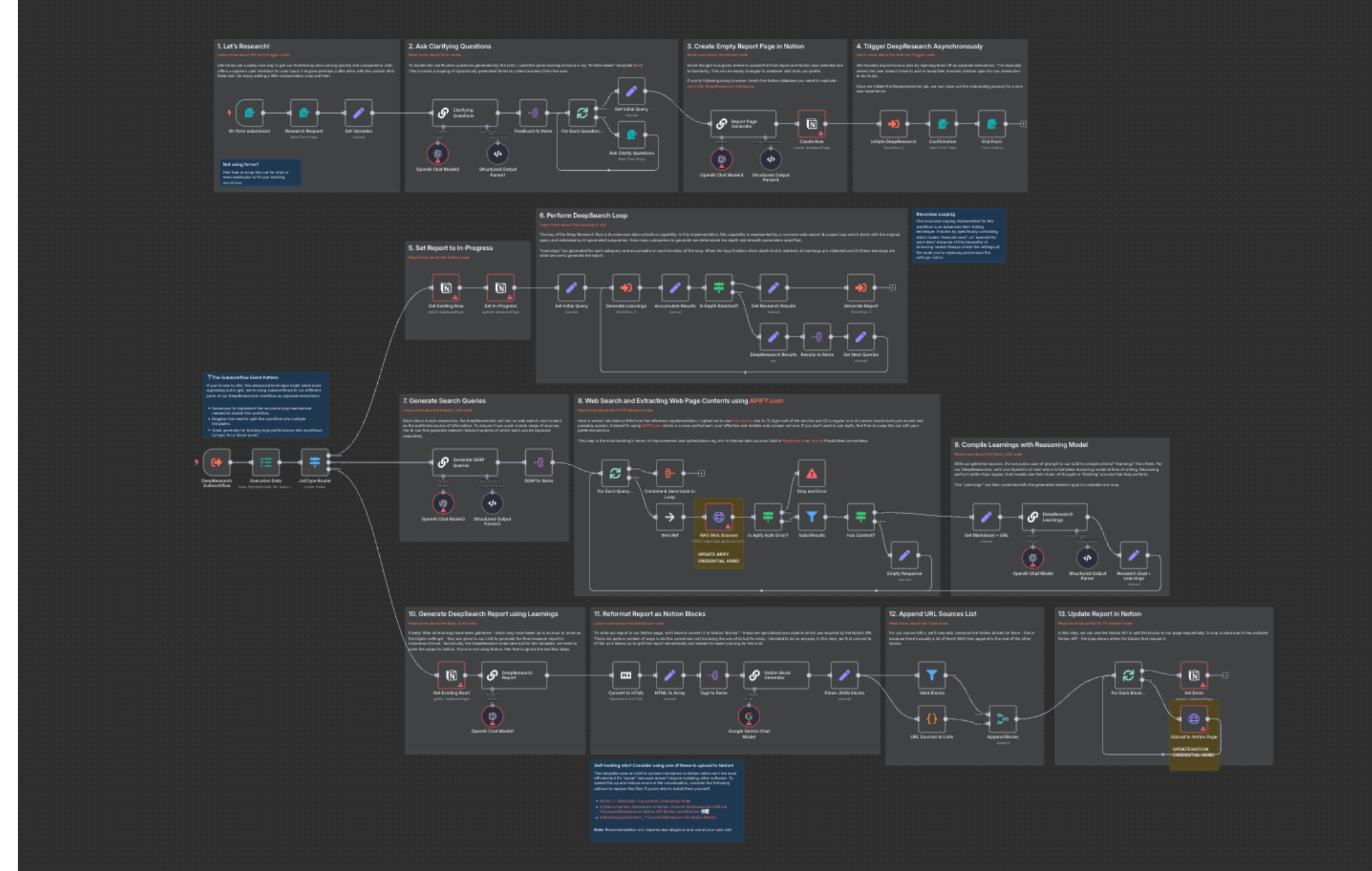
We implement advanced automation using n8n, Make, Zapier, and Airtable, selected based on complexity, scalability, and control requirements.
Each platform serves a distinct purpose in building business process automation systems that scale. We don't force every workflow into a single tool—we match the tool to the workflow's technical requirements.
How These Tools Are Used
n8n
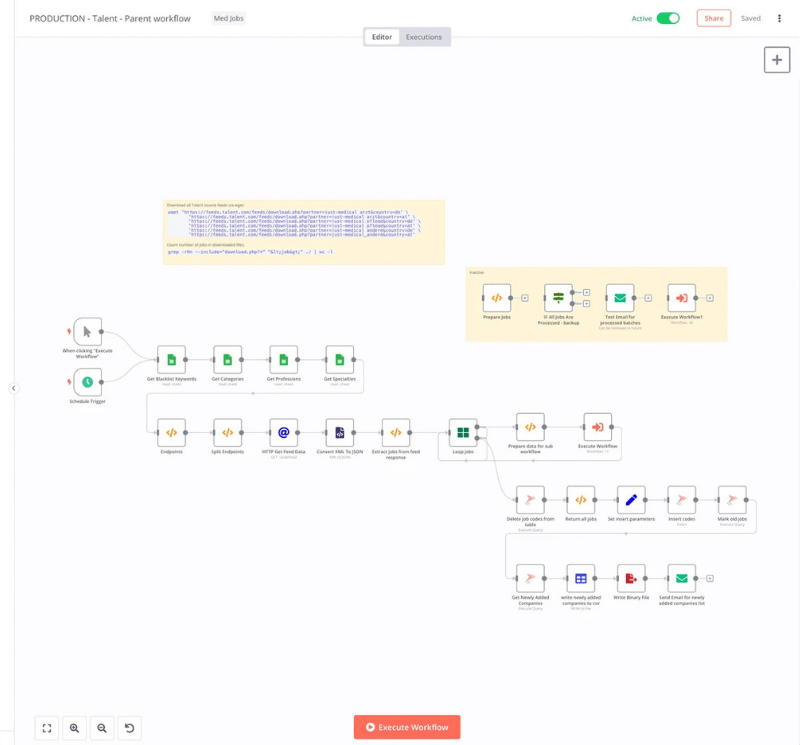
For complex, logic-heavy workflows, API-driven automation, custom conditions, and scalable backend processes. n8n is deployed when workflows require database operations, advanced data transformation, webhook handling, or multi-step conditional logic that simpler tools can't support.
Make.com
For visual, multi-step automation scenarios involving multiple apps, conditional routing, and structured data handling. Make excels at workflows where data needs to flow through multiple systems with transformations, filters, and branching logic applied at each step.
Zapier
For fast, reliable app-to-app automations where speed and simplicity are required. Zapier handles straightforward integrations between popular business apps without the overhead of more complex platforms, ideal for high-volume, linear workflows.
Airtable
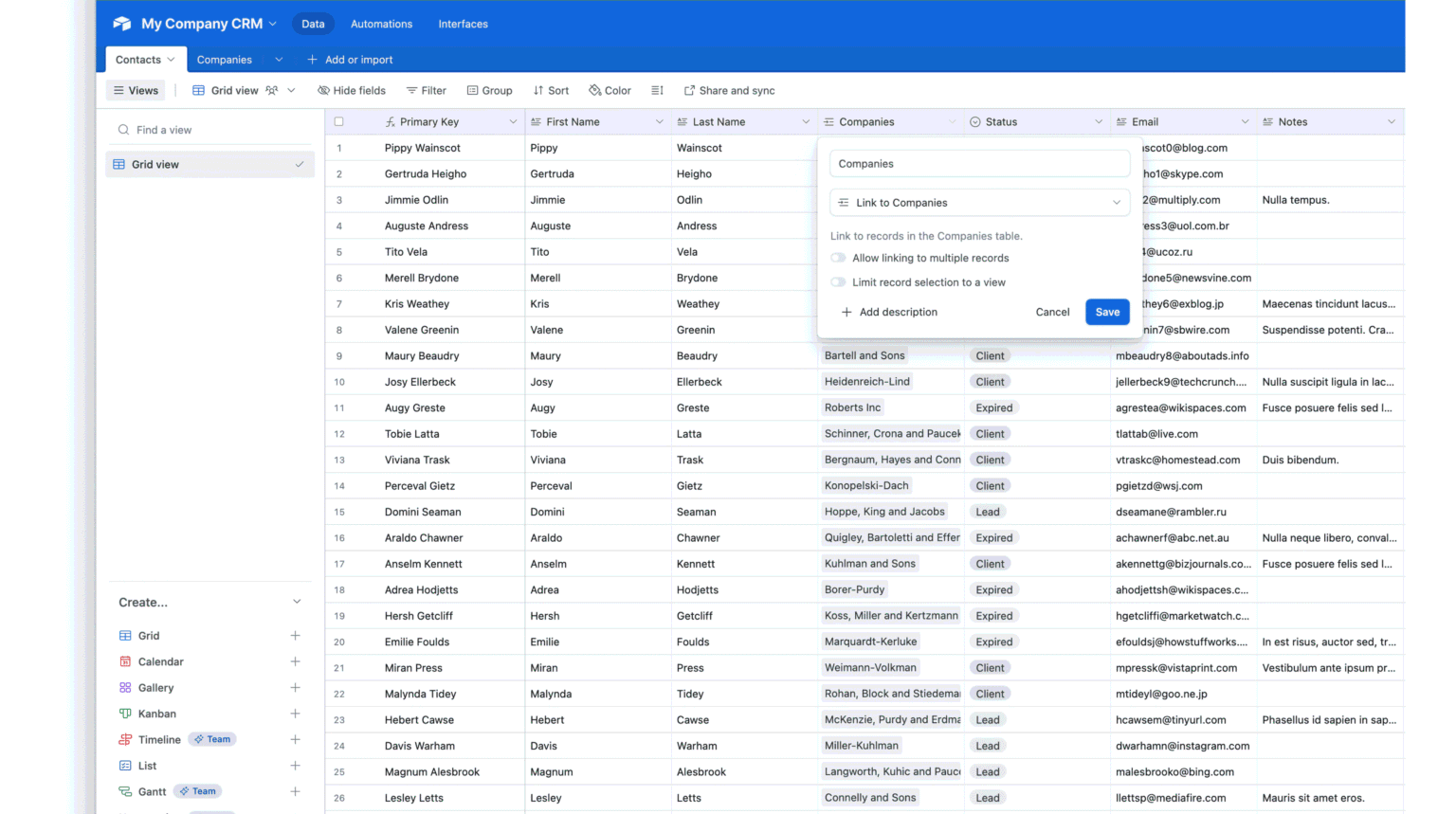
As a structured operational database for workflows, tracking systems, internal dashboards, and automation triggers. Airtable acts as the central data layer for automation systems that require relational data structures, custom views, and collaborative access to workflow data.
Business Process Automation Beyond Sales
Automation implementation services extend far beyond sales workflows. We build systems that eliminate manual work across every function of your business.
Client Onboarding
New clients are automatically added to project management tools, communication channels, and billing systems the moment a deal closes.
Invoice & Payment Sync
Payment confirmations trigger updates across accounting software, CRM records, and project delivery systems.
Project & Task Automation
Tasks are created, assigned, and tracked automatically based on project milestones, deadlines, or client requests.
Internal Notifications
Slack, email, or SMS alerts sent when specific conditions are met, ensuring teams stay informed without manual check-ins.
Reporting Automation
Daily, weekly, or monthly reports generated automatically and delivered to stakeholders without manual data compilation.
Data Synchronization
Customer data, project status, and operational metrics kept in sync across sales, operations, finance, and support systems.
These workflows reduce operational friction and eliminate repetitive manual tasks across teams. When implemented correctly, backend automation systems free up hours of administrative work each week.
Automation Built for Reliability, Not Demos
Most automation fails in production because it's built as a proof of concept, not as a production system.
We implement automation workflows with the same rigor applied to software development:
- Error handling — every workflow includes fallback logic for API failures, missing data, and unexpected inputs
- Fallback logic — when primary systems fail, workflows route to backup endpoints or notify administrators rather than silently breaking
- Logging — complete activity logs maintained for every workflow execution, making it possible to trace issues and audit automation behavior
- Testing — workflows tested against real-world scenarios, edge cases, and failure conditions before deployment
- Monitoring — active monitoring of workflow execution rates, error rates, and system health with alerts configured for anomalies
Every automation workflow we implement is tested against edge cases to prevent silent failures and data inconsistencies. A workflow that works 95% of the time is not production-ready—we build for 99.9% reliability.
Our Automation Implementation Process
We follow a structured implementation process that ensures automation systems are built to support real operations, not just initial requirements.
Process Discovery and Workflow Mapping
We document your current processes, identify bottlenecks, and map out the ideal automated workflow. This includes understanding data sources, system dependencies, and business rules that need to be encoded.
Automation Architecture Design
We design the technical architecture—selecting tools, defining data flows, and planning error handling strategies. This phase ensures scalability and maintainability from the start.
Workflow Build and Integration
We build the automation workflows, configure API integrations, set up data transformations, and implement business logic. This is where the actual automation system is constructed.
Testing and Error Handling
We test workflows under real-world conditions, simulate failure scenarios, and validate data accuracy. Error handling is configured to ensure the system degrades gracefully when issues occur.
Deployment and Monitoring
We deploy the automation into production, configure monitoring and alerts, and validate that the system is operating as designed. Initial monitoring is intensive to catch any edge cases missed during testing.
Optimization and Scaling
After deployment, we monitor performance, optimize workflows for speed and reliability, and expand automation coverage based on what we learn from real usage patterns.
Who Our Automation Setup Services Are For
Our workflow automation services are designed for businesses that need reliable, scalable systems—not quick fixes or fragile workarounds.
Sales-Driven Businesses
That depend on lead capture, CRM workflows, and sales process automation to drive revenue.
Growing Service Companies
That need to eliminate manual client onboarding, project management, and internal coordination tasks.
SaaS & Tech Businesses
That require API integrations, data synchronization, and backend automation to support product operations.
Agencies & Partners
That need automation systems to deliver client work efficiently and maintain service quality at scale.
Teams Scaling Operations
That are hitting the limits of manual processes and need structured automation to support growth.
If you're looking for someone to build a single Zapier connection, we're not the right fit. If you need a complete automation architecture that scales with your business, that's what we do.
How Automation Works With CRM & Landing Pages
Automation doesn't operate in isolation—it connects your entire revenue system together.
Landing pages capture leads. CRM automation workflows process those leads. Sales automation ensures they're followed up on. Business process automation handles everything that happens after the sale.
When properly implemented, these systems create a complete revenue engine:
- A visitor fills out a form on your landing page
- Automation captures the lead and syncs it to your CRM instantly
- Lead routing assigns the prospect to the right sales rep based on your business rules
- Follow-up tasks and email sequences trigger automatically
- When the deal closes, client onboarding workflows launch immediately
- Sales and operations teams stay synchronized without manual handoffs
This is what complete automation looks like. Not a series of disconnected tools, but a unified system.
Related Services
Ready to Implement Automation That Actually Works?
If you're looking for automation systems that support real operations—not fragile workflows that break under production conditions—we're ready to help. We implement automation setup services for businesses that need reliability, scalability, and systems that work without constant intervention.
Book Free Automation Strategy Call